

What you’ll learn in this article:
- Discover what’s new in Clicks for iPhone 16
- Understand the decisions that drove the design
- Why Clicks for iPhone 16 is the best Clicks Keyboard yet
Here’s a rundown of some of the key highlights:
- Redesigned keyboard elevates input
- New premium materials and finishes inside and out
- MagSafe compatibility built in
- Data mode improves connectivity with CarPlay and beyond
- Clicks Mode turns iPhone into a remote control for your life
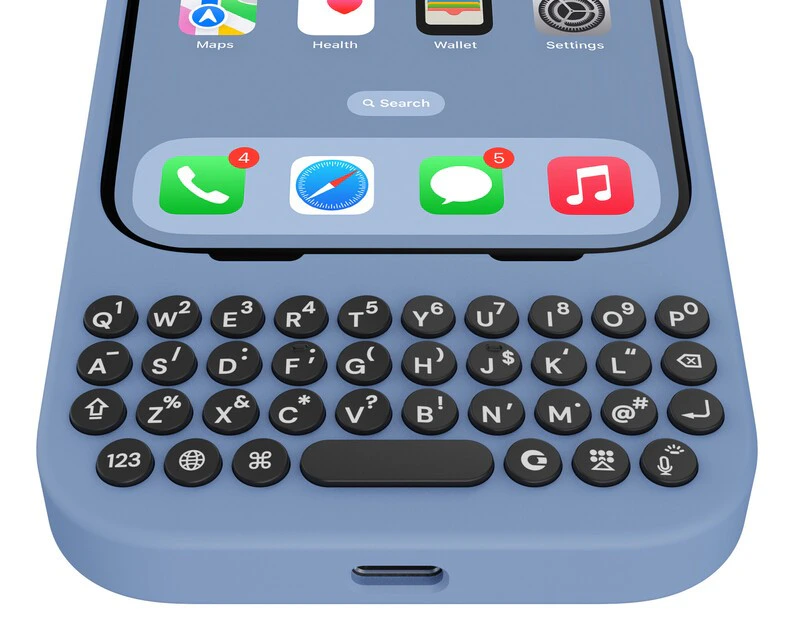
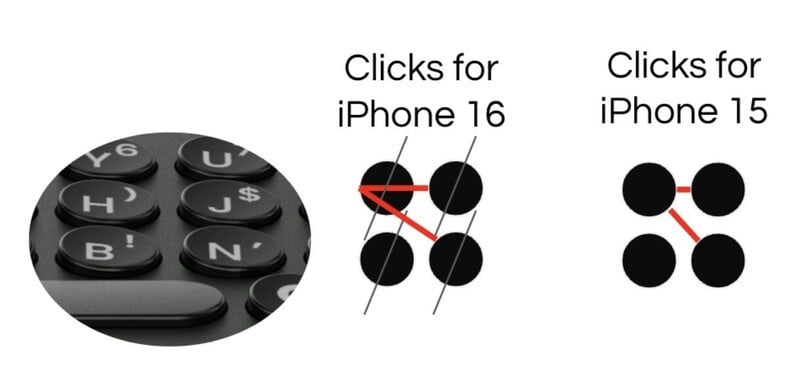
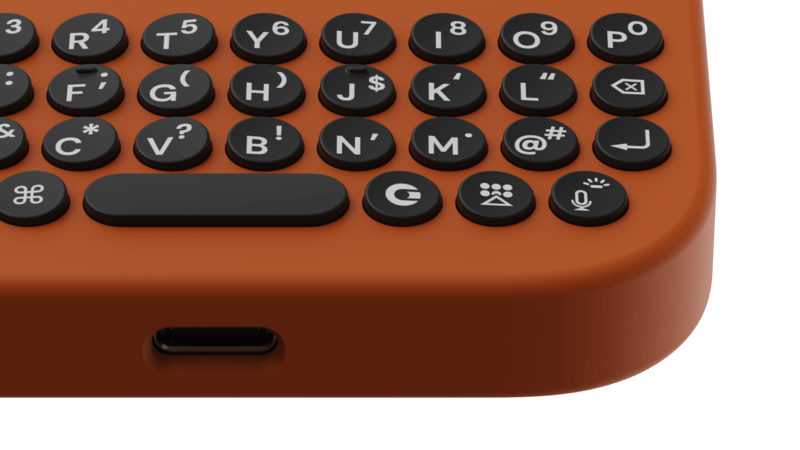
1. Redesigned keyboard for elevated input
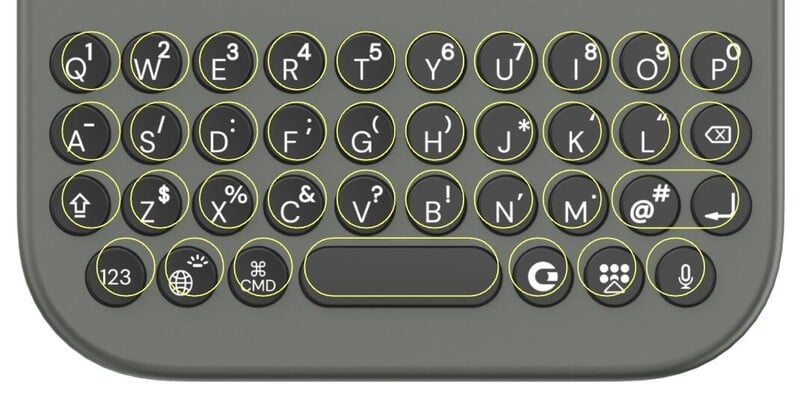
Clicks for iPhone 16 Pro key shape, size and layout compared to Clicks for iPhone 15 Pro (outlined in yellow).
2. New, premium materials and finishes
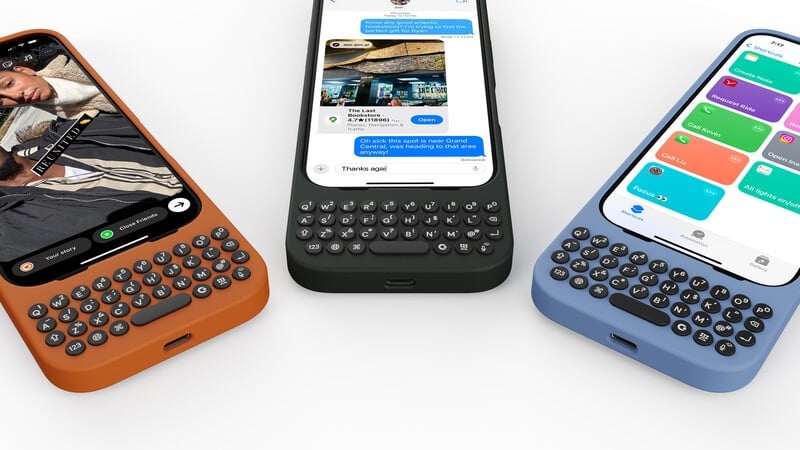
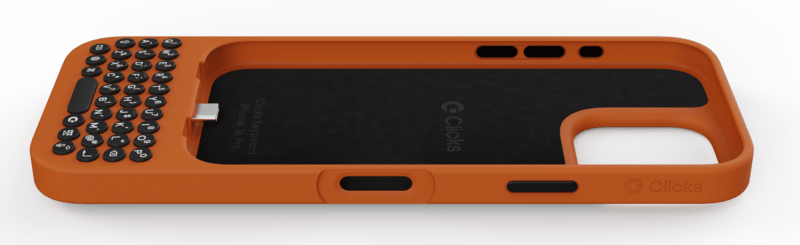
Clicks for iPhone 16 comes in three beautiful new colors: Surf, Spice and Onyx.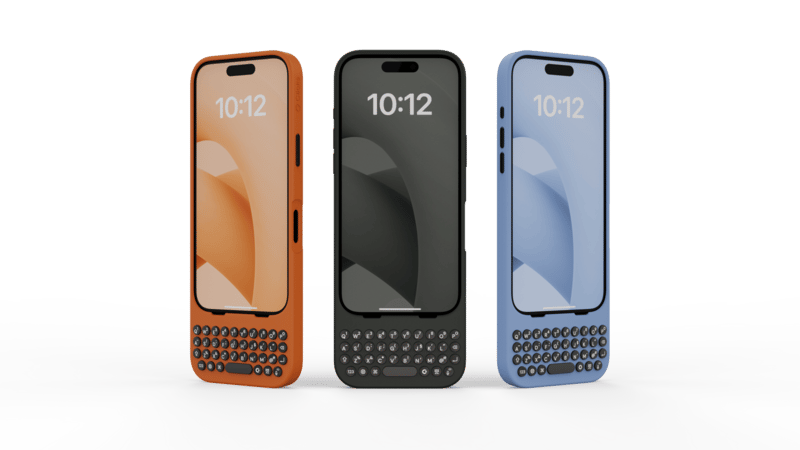
From left to right: Spice, Onyx, Surf
3. Connectivity at home, in the car and beyond
Clicks for iPhone 16 is now compatible with MagSafe, making it easy to use with your accessories at home and on the go. The MagSafe charging ring has been hidden under the surface of the enclosure to maintain a clean, minimalist design. The latest Clicks Keyboard introduces a new USB-C data pass-through mode, allowing Clicks to be used with wired accessories – like CarPlay or your computer.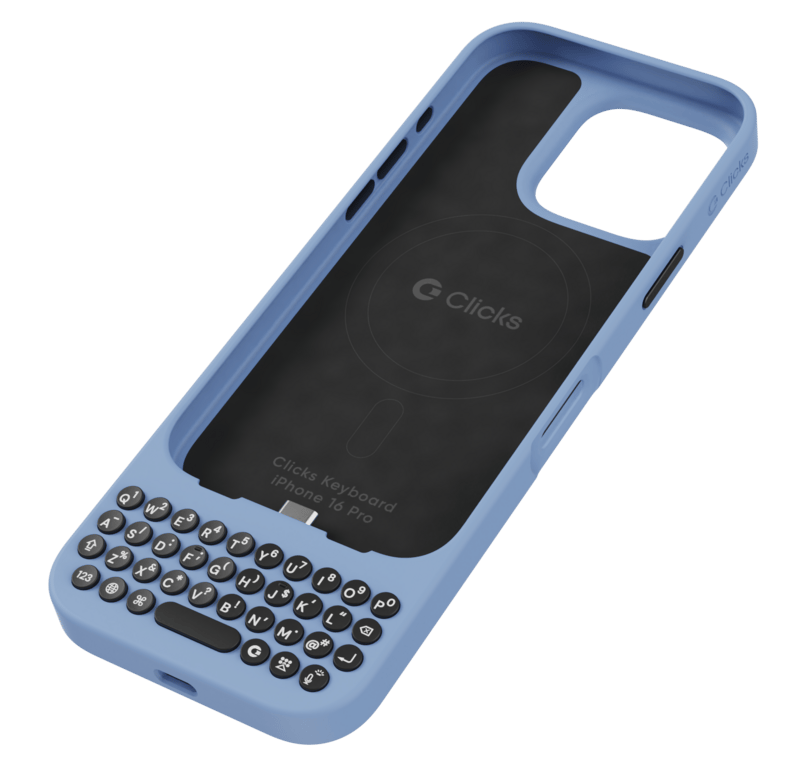
4. Clicks Mode turns your keyboard into a remote control for your life
Clicks isn’t just a keyboard - but a remote control for the apps, workflows and devices you use everyday. By configuring ‘Clicks Mode’ to work with shortcuts in the Apple Shortcuts app, you can take simple actions like opening an app or calling a contact, or take advanced app commands like turning off your house lights or Shazam-ing a song. In an upcoming release of the Clicks Keyboard app, you will be able to browse through a library of pre-built shortcuts you can click to quickly install in the Shortcuts app. Here are some of our favorite shortcuts that Clicks Mode enables.| Shortcut | What it does | Get it |
|---|---|---|
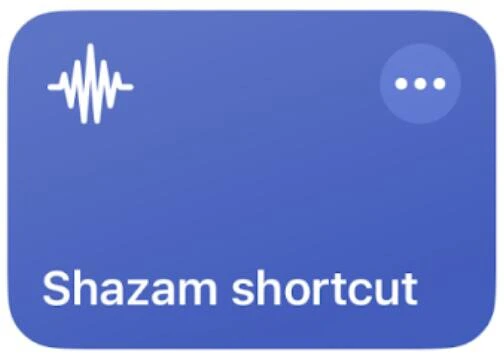 | Starts listening for a song and returns the details | Install it |
 | Toggles in and out of focus mode | Install it |
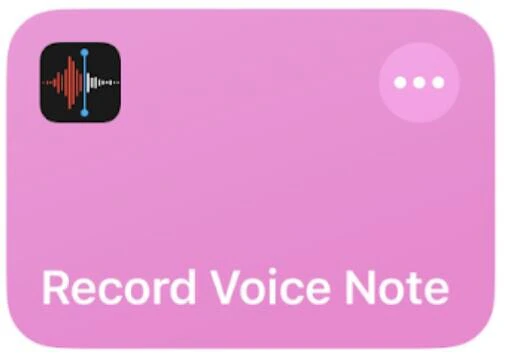 | Begins recording a voice note | Install it |
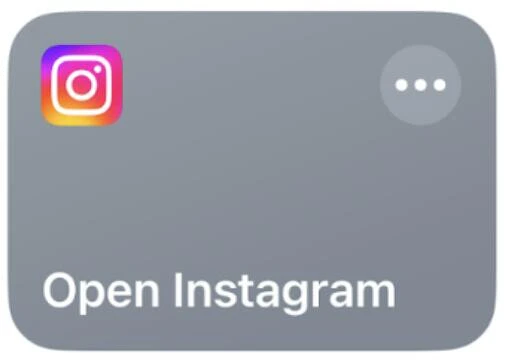 | Launches the Instagram app | Install it |
 | Sends a text message to a predetermined contact with a canned message and ETA based on driving time to a destination | Install it |
Read more
Clicks Keyboard for iPhone 16 Pushes All the Right Buttons
Redesigned keyboard accessory launches shortcuts at the push of a button and adds all new, ergonomically designed keys. Available to order Oct 7 from $139.
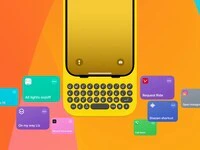
Turn Clicks Into a Remote Control For Your Life
The 36 buttons on your Clicks Keyboard can be used for so much more than just typing. By enabling Clicks Mode to work with iOS Shortcuts, you can use the buttons on your Clicks Keyboard to quickly launch apps, trigger workflows or take actions you perform frequently