

1. Stop deferring. Start doing.
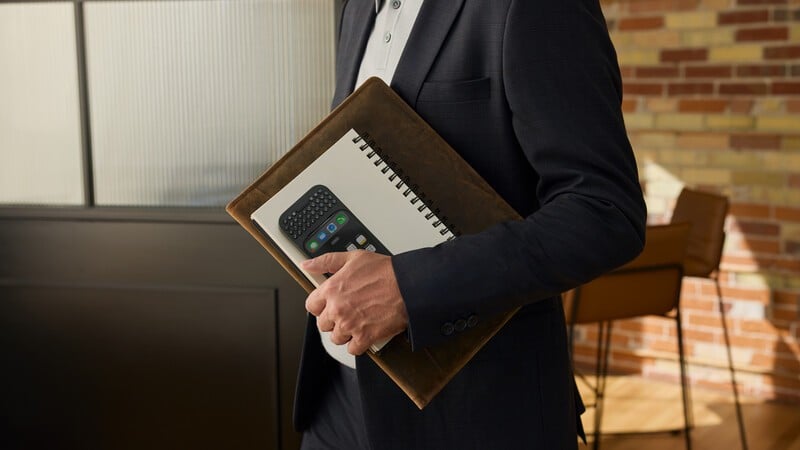
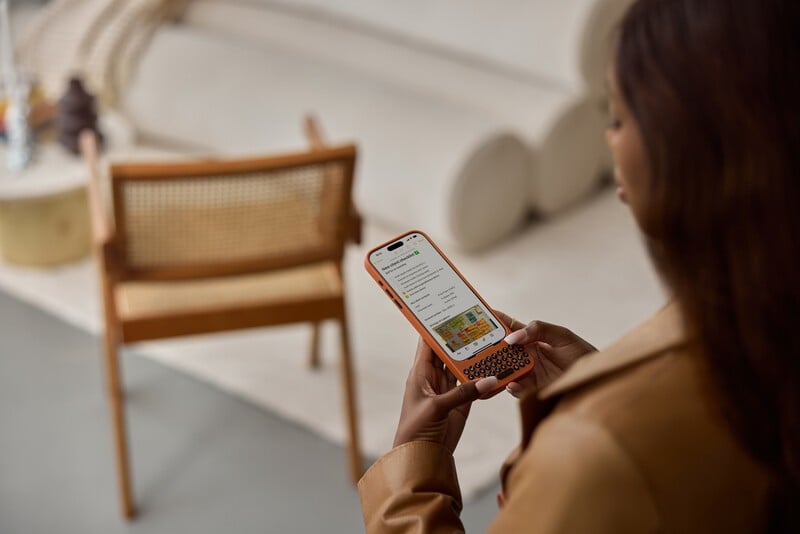
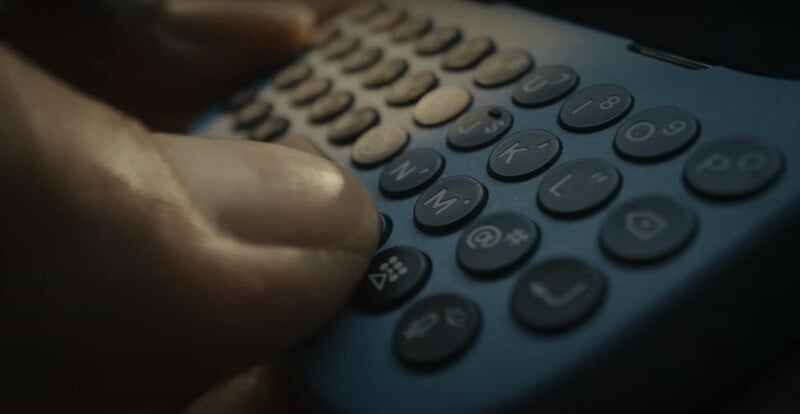
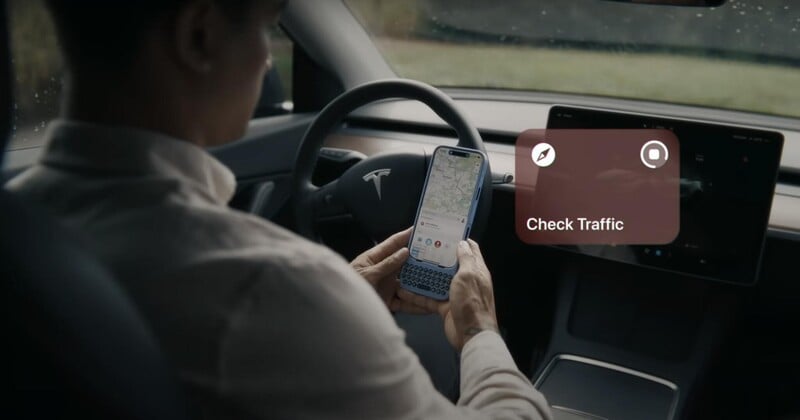
We’ve all got those tasks that we wait to do back at our desks. For years we’ve felt more comfortable waiting for a physical keyboard to respond to that long email, type up the proposal, answer the text message. Beyond delaying checking them off our list, deferring those tasks until we get back to a laptop, tablet or computer costs adds mental overhead that comes with having them hang over us. Clicks customers tell us that with a keyboard on their phone, they are more likely to get those things done, whenever they are. Instead of filing that email for later, they respond to it from the uber, the train or the waiting room at the doctors office.2. More creative and connected.
3. Increased intentionality.
4. Automating common tasks.
Read more
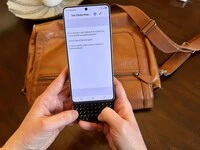
Does the Clicks Power Keyboard Work with Samsung Galaxy Phones?
At Clicks, we believe your technology should work for you, not against you. Since the beginning, we’ve been dedicated to helping people reclaim their screen real estate and rediscover the precision that only a physical keyboard can provide. With the launch of the Clicks Power Keyboard, we’re bringing that high-performance tactile experience to a massive new world of devices…
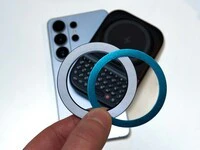
Samsung's Phones Don't Have Magnets But You Can Still Use Power Keys
The Clicks Power Keyboard relies on a high-strength magnetic connection to “snap” onto the back of your smartphone. While this is a native feature for some devices, Samsung Galaxy phones just refuse to adopt this feature. Having a built-in magnetic ring in the chassis is standard with many other phones, but not galaxy devices. At least not as of 2026. Having no magnetic ring on…
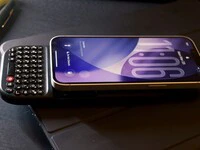
The iPhone 17e Users' Guide to Clicks Power Keyboard
The iPhone 17e is a capable and lower-cost iPhone. Since you’re saving some cash on the hardware, it’s a little easier to spend your money on accessories to improve the phone experience. In this article, we’ll show you how to get up and running with the Clicks Power Keyboard on iPhone 17e.
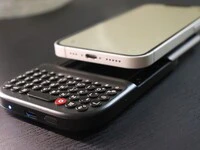
Is There A Clicks Keyboard for iPhone 17e
Yes, you can easily add a physical keyboard to your iPhone 17e by pairing it with the Clicks Power Keyboard.