

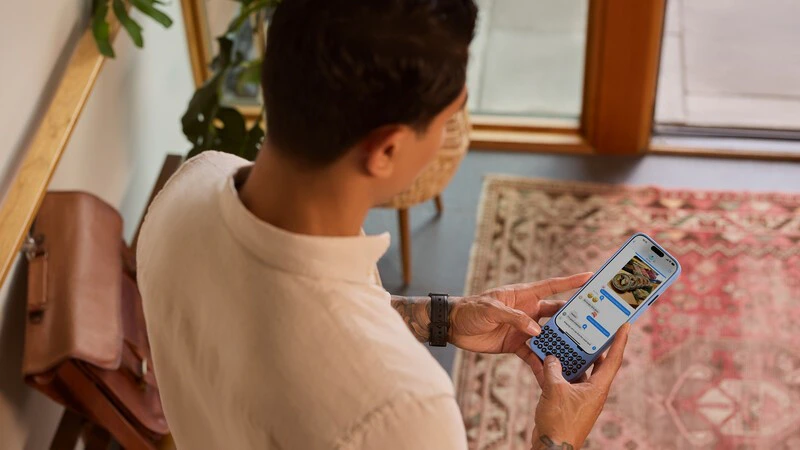
1. Clicks Mode is your key to taking action
2. Cursor mode gives you control over the finer details
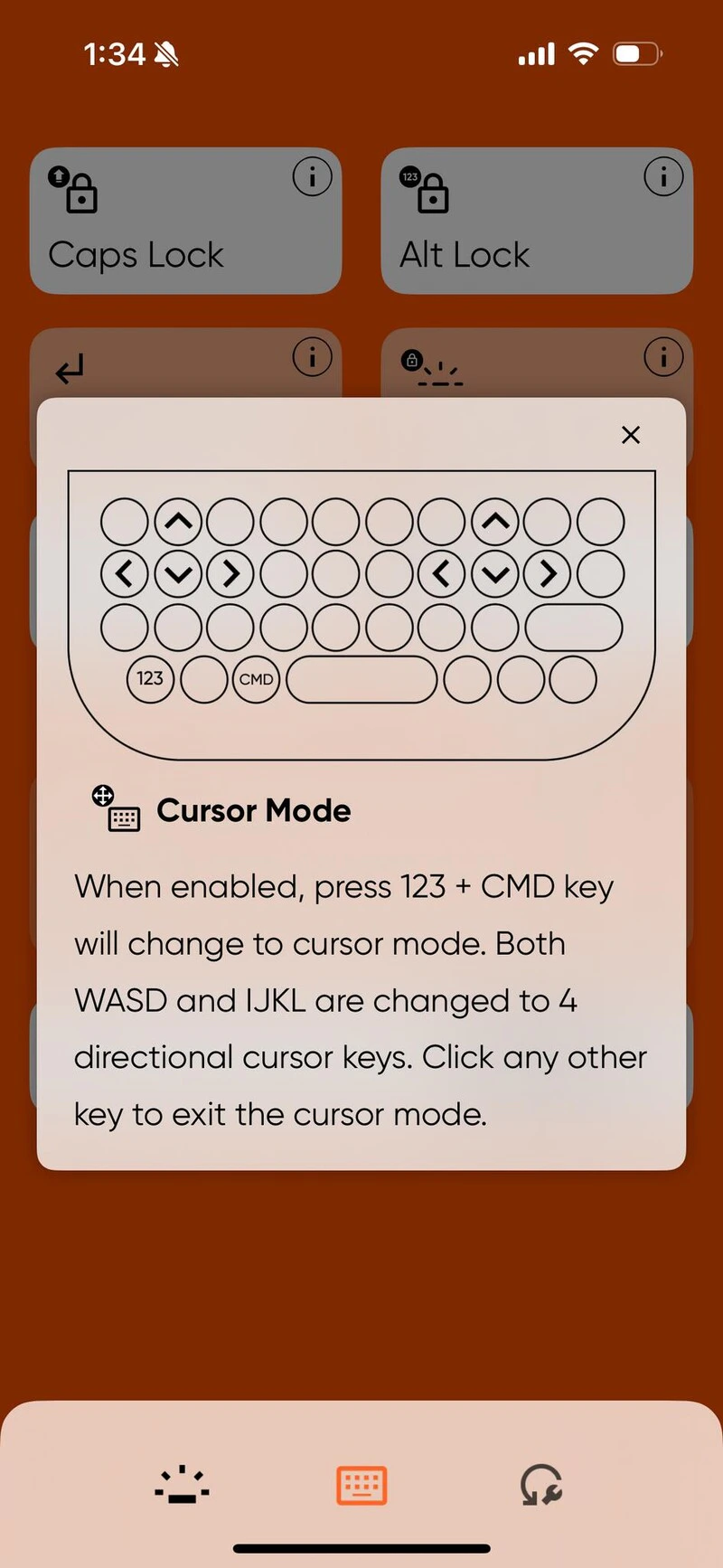
- Turn on the Cursor Mode feature in the Clicks Keyboard app.
- Use the 123 + CMD keyboard shortcut to go into cursor mode.
- When in cursor mode, the WASD and IJKL keys will function as directional keys.
- W = up
- A = left
- S = down
- D = right
- Press any other key to exit cursor mode.
3. Command your Clicks Keyboard with Apple Shortcuts
4. Use Clicks with more of your tech with USB-C data passthrough
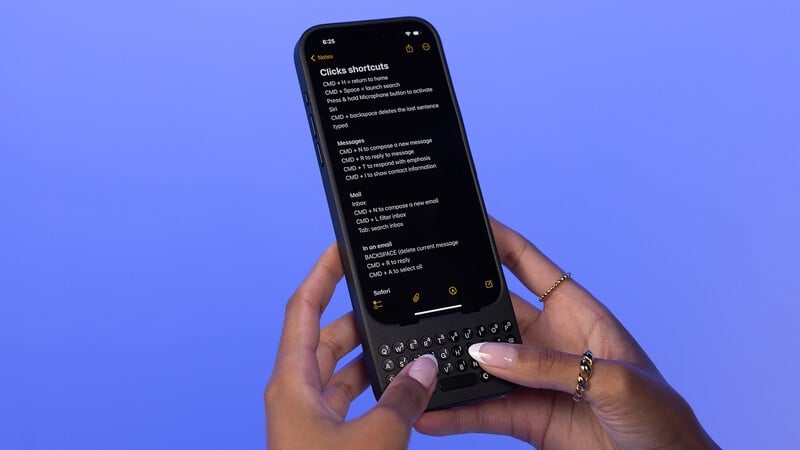
5. Unlock the ultimate mobile workflow with keyboard shortcuts
iOS is full of hidden keyboard shortcuts that make it easy to navigate your phone and apps with fewer swipes and taps. They’re already there and waiting for you to discover them. Here are a few of our favorites:- Show and hide the notifications window with Globe + N
- Open and close control center with Globe + C
- Return to your home screen with CMD + H
- Launch spotlight search with CMD + Spacebar
6. Siri is just a button push away
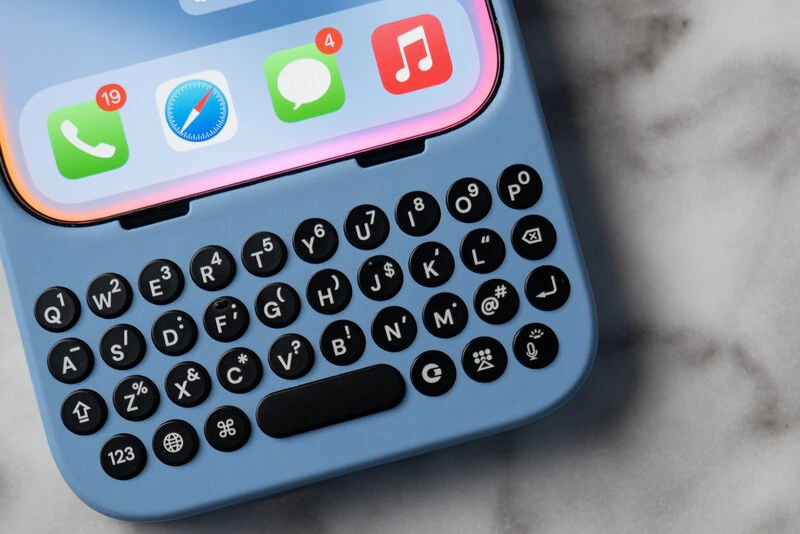
7. Form your thoughts faster with word completion
Learn More About the Clicks Keyboard
Read more
Does the Clicks Power Keyboard Work with Samsung Galaxy Phones?
At Clicks, we believe your technology should work for you, not against you. Since the beginning, we’ve been dedicated to helping people reclaim their screen real estate and rediscover the precision that only a physical keyboard can provide. With the launch of the Clicks Power Keyboard, we’re bringing that high-performance tactile experience to a massive new world of devices…
Samsung's Phones Don't Have Magnets But You Can Still Use Power Keys
The Clicks Power Keyboard relies on a high-strength magnetic connection to “snap” onto the back of your smartphone. While this is a native feature for some devices, Samsung Galaxy phones just refuse to adopt this feature. Having a built-in magnetic ring in the chassis is standard with many other phones, but not galaxy devices. At least not as of 2026. Having no magnetic ring on…
The iPhone 17e Users' Guide to Clicks Power Keyboard
The iPhone 17e is a capable and lower-cost iPhone. Since you’re saving some cash on the hardware, it’s a little easier to spend your money on accessories to improve the phone experience. In this article, we’ll show you how to get up and running with the Clicks Power Keyboard on iPhone 17e.
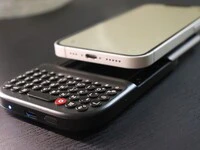
Is There A Clicks Keyboard for iPhone 17e
Yes, you can easily add a physical keyboard to your iPhone 17e by pairing it with the Clicks Power Keyboard.