Documentation Index

Fetch the complete documentation index at: https://docs.clicks.tech/llms.txt

Use this file to discover all available pages before exploring further.

Power Keys And Tablet
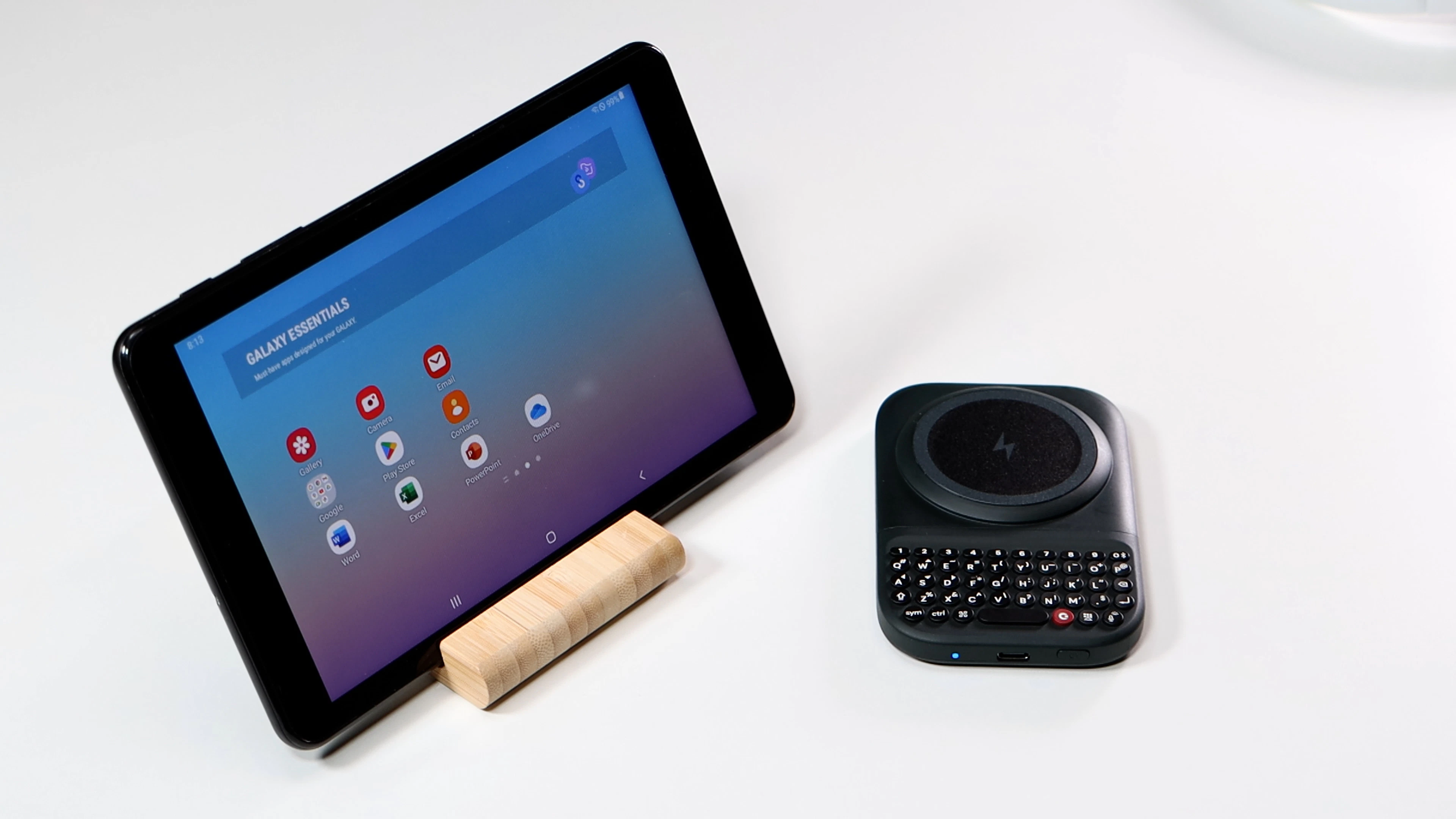
Using your Power Keyboard to type on your iPad or Android tablet is truly a delight. It gives you a fast and precise way to be productive without needing a keyboard case.

Pairing Power Keyboard To A Tablet

There are many different brands of tablets, but depending on whether you have an iPad or an Android tablet the process generally mirrors the steps for pairing to a phone.
  1. Press and hold down the Power key and then press a number key (1-9) to pair assign the new device to a specific number.
  2. Open the Bluetooth settings on the tablet, select Power Keyboard, and follow the steps on screen to complete the pairing.
  3. You can now easily type with your Power Keyboard on your tablet.

Tablet Shortcuts

Depending on whether you have an iPad or an Android tablet, you’ll be able to take advantage of many of the same shortcuts that users of iPhone and Android phones use.