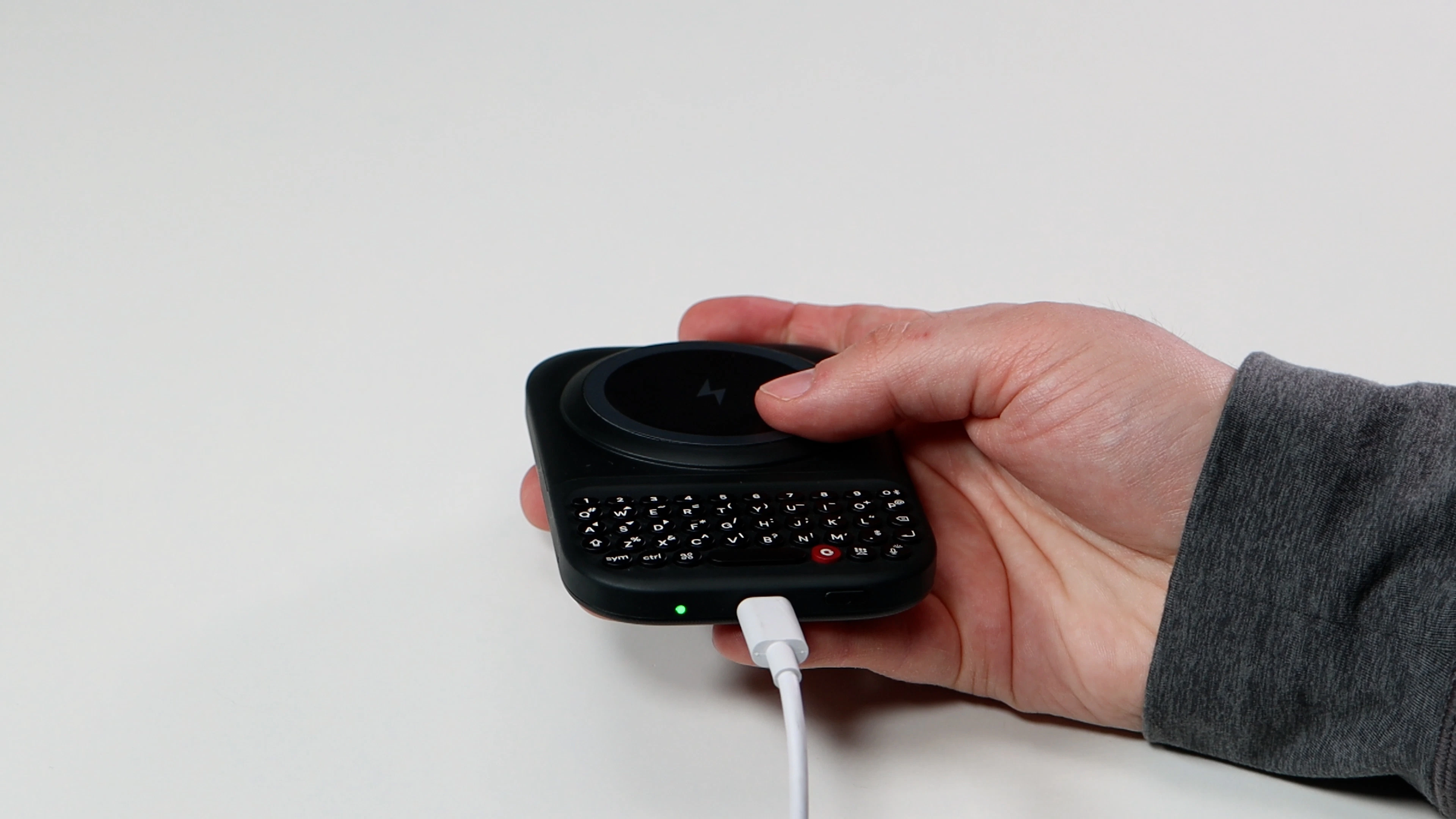
The built-in 2300 mAh battery on your Power Keyboard powers both the keyboard accessory itself and can top up your phone’s battery.When the battery on the Power Keyboard is getting low, you will see the LED light turn yellow. When the battery is nearly empty, it will turn red.The Power Keyboard should be charged with a USB C cable plugged into a 9W power adapter. For iPhone users with a lightning connection, you will need to purchase a standard USB-C cable to recharge the Power Keys.
Assistant
Responses are generated using AI and may contain mistakes.