> ## Documentation Index
> Fetch the complete documentation index at: https://learn.clicks.tech/llms.txt
> Use this file to discover all available pages before exploring further.
# Wireless charging
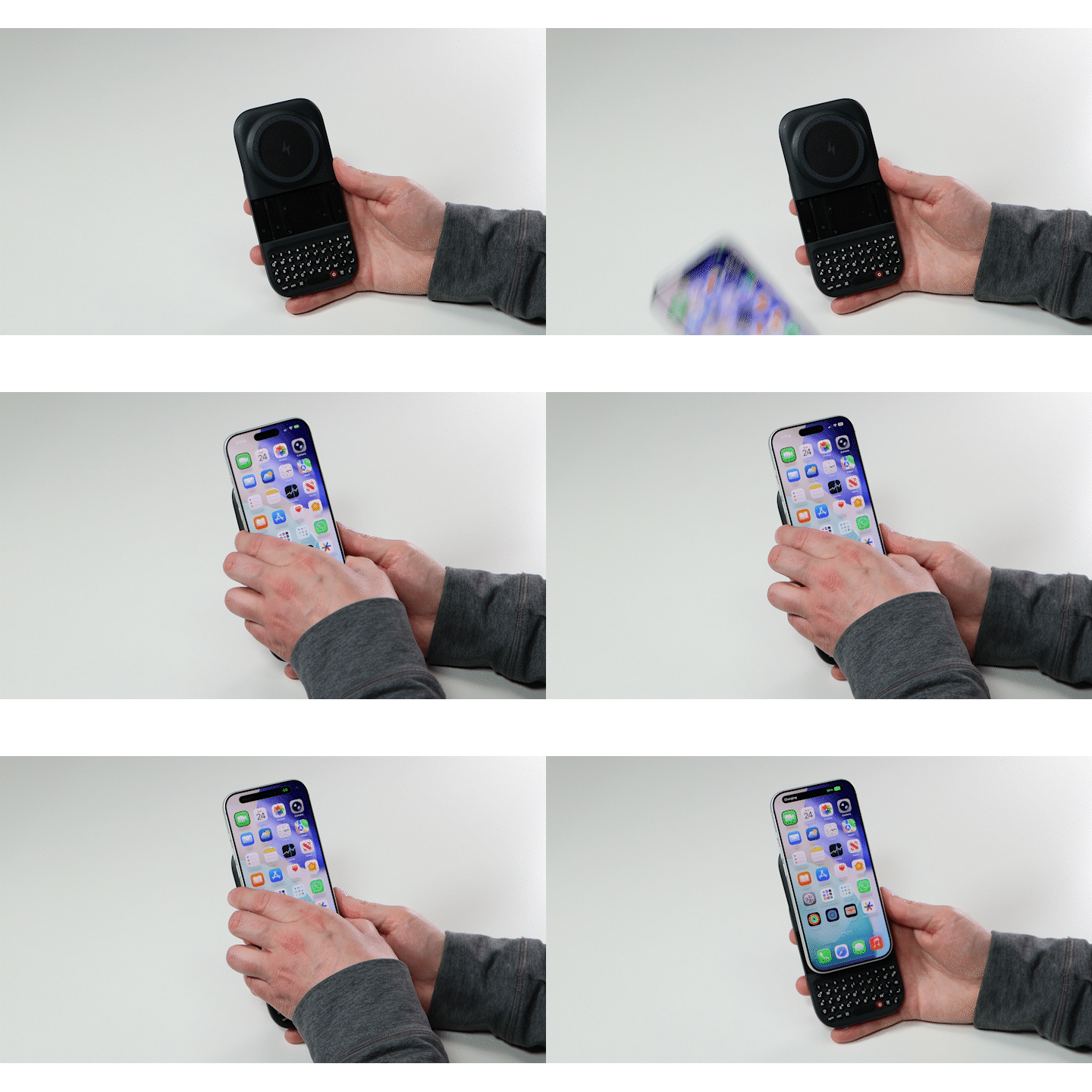
Your Power Keyboard has a built-in 7.5W Qi wireless charger. Many iPhone models and some Pixel models have built-in magnets, allowing users to connect their phone directly to accessories like the Power Keyboard directly.
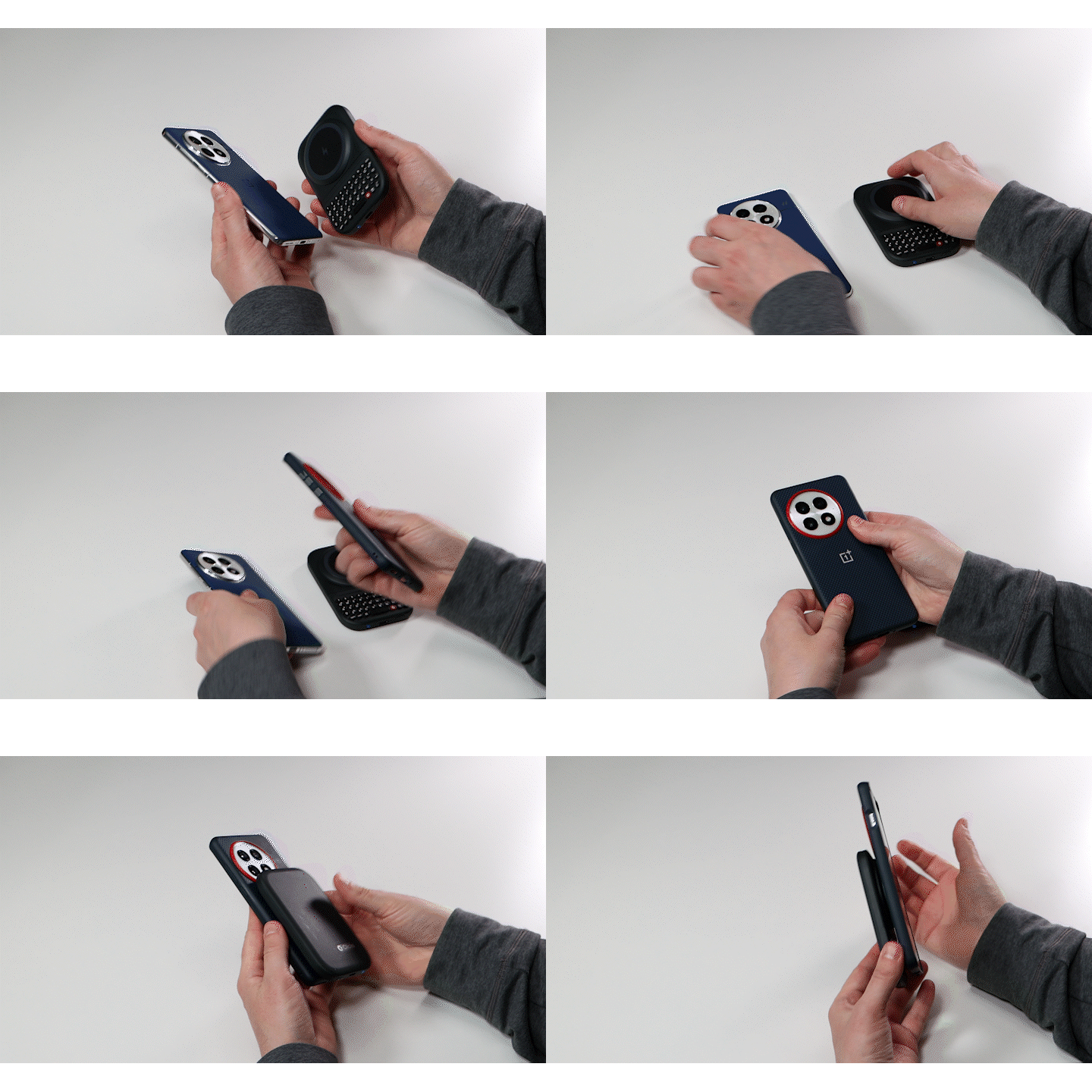
 Some iPhone models and some Android phones (including all Samsung models) may require a MagSafe compatible case to allow you to connect directly to Power Keyboard.
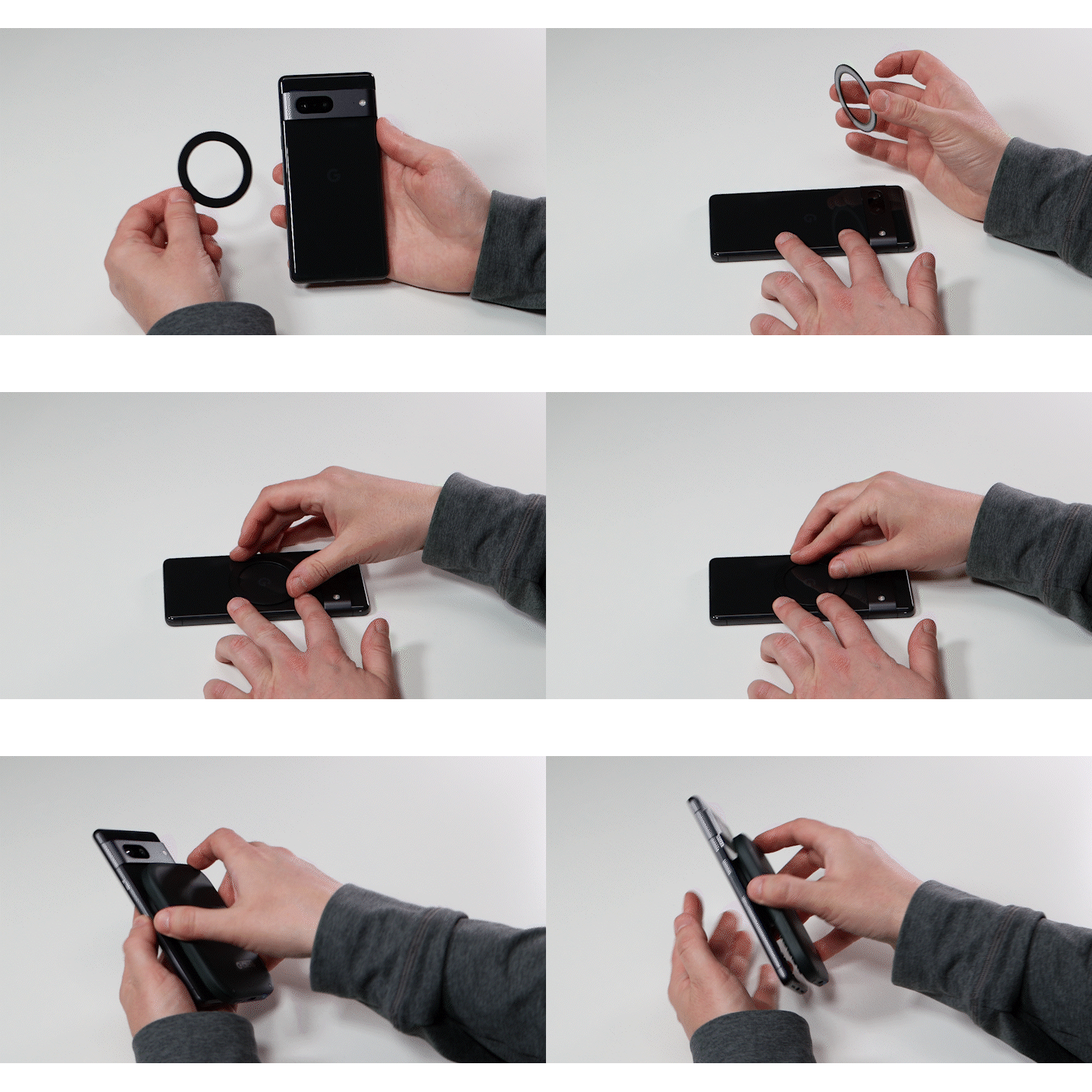
 You can also purchase an inexpensive magnetic ring which uses adhesive to stick to the back of your phone or smartphone case. If your phone supports wireless charging, adding a stick-on ring will allow you to charge your phone with Power Key’s built-in charging.