> ## Documentation Index
> Fetch the complete documentation index at: https://learn.clicks.tech/llms.txt
> Use this file to discover all available pages before exploring further.
# iPhone keyboard shortcuts
A physical keyboard unlocks more control over your iPhone by allowing you to quickly access built-in iOS shortcuts to manage your device.
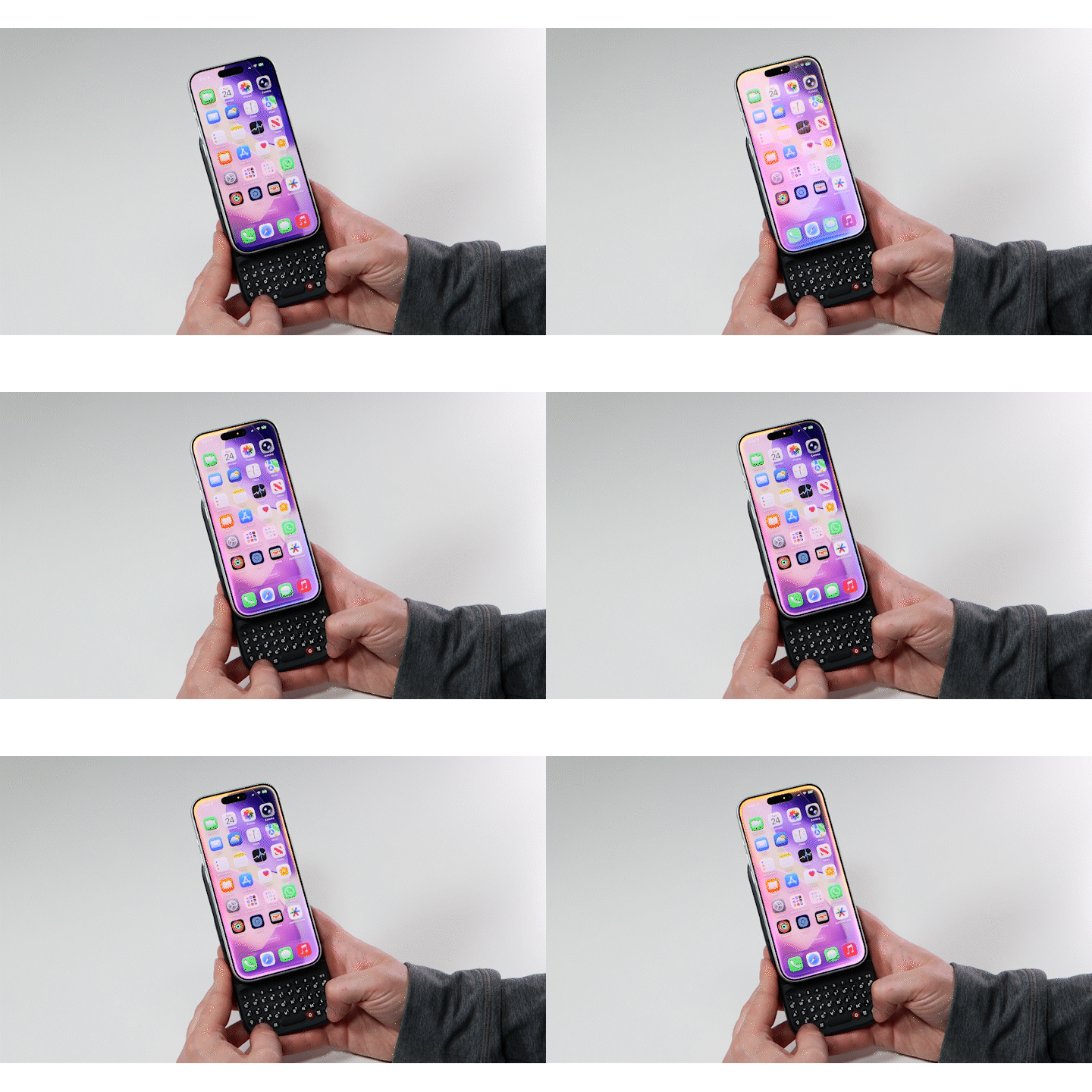 While these have always been part of the OS experience, few people ever use these because they don’t know they exist.
Now that you have Power Keys, you can try a variety of iOS shortcuts to speed up your workflows including:
* **Search:** Command + Space Bar
* **Select All:** Command + A
* **Copy Text:** Command + C
* **Go to Home Screen:** Command + H
* **Paste Text:** Command + V
* **Cut Text:** Command + X
* **Undo Action:** Command + Z
* **Show/hide notification shade:** ctrl + n\*\* \*\*
## **Media Playback**
* SYM + 1 - Escape
* SYM + 2 - Volume Up
* SYM + 3 - Volume Down
* SYM + 4 - Mute
* SYM + 5 - Play / Pause
* SYM + 6 - Next track
* SYM + 7 - Previous track
* SYM + 8 - Page Up
* SYM + 9 - Page Down
While these have always been part of the OS experience, few people ever use these because they don’t know they exist.
Now that you have Power Keys, you can try a variety of iOS shortcuts to speed up your workflows including:
* **Search:** Command + Space Bar
* **Select All:** Command + A
* **Copy Text:** Command + C
* **Go to Home Screen:** Command + H
* **Paste Text:** Command + V
* **Cut Text:** Command + X
* **Undo Action:** Command + Z
* **Show/hide notification shade:** ctrl + n\*\* \*\*
## **Media Playback**
* SYM + 1 - Escape
* SYM + 2 - Volume Up
* SYM + 3 - Volume Down
* SYM + 4 - Mute
* SYM + 5 - Play / Pause
* SYM + 6 - Next track
* SYM + 7 - Previous track
* SYM + 8 - Page Up
* SYM + 9 - Page Down